reveal-on-scroll
Open-source npm package: a tiny, typed alternative to AOS
An open-source library on npm that reveals elements as you scroll: the animations and options of AOS (Animate On Scroll) in half the size, typed, with no dependencies, and accessible by default.
- Type
Script - CSS
- Vite
- Vitest
- happy-dom
- Playwright
- Git
Hub Actions - Git
Hub Pages - npm
- Scroll-driven animations
- Mutation
Observer - Resize
Observer
- Built at
- Open source
- Sector
- Developer tools
- Period
- 2026
- Role
- Author and maintainer — API design, code, tests, documentation and releases
- Team
- A solo project
- Web platform
- Motion
reveal-on-scroll animates elements in as they reach the screen, the way AOS (Animate On Scroll) does, with the same animations and options. Switching from AOS is a find-and-replace: data-aos becomes data-ros, and AOS.init() becomes ROS.init().
AOS is still downloaded about 174,000 times a week, but it hasn’t had a release since 2018, and its long-standing problems remain: triggers drift when images, fonts or new content load (so pages call refresh() by hand), it has no reduced-motion support, and content can stay hidden when JavaScript is off.
I wrote reveal-on-scroll to fix those problems while keeping everything AOS users rely on: a small, typed library with no dependencies, published on npm with ESM and UMD builds, a live demo and automated releases.
- Op 01
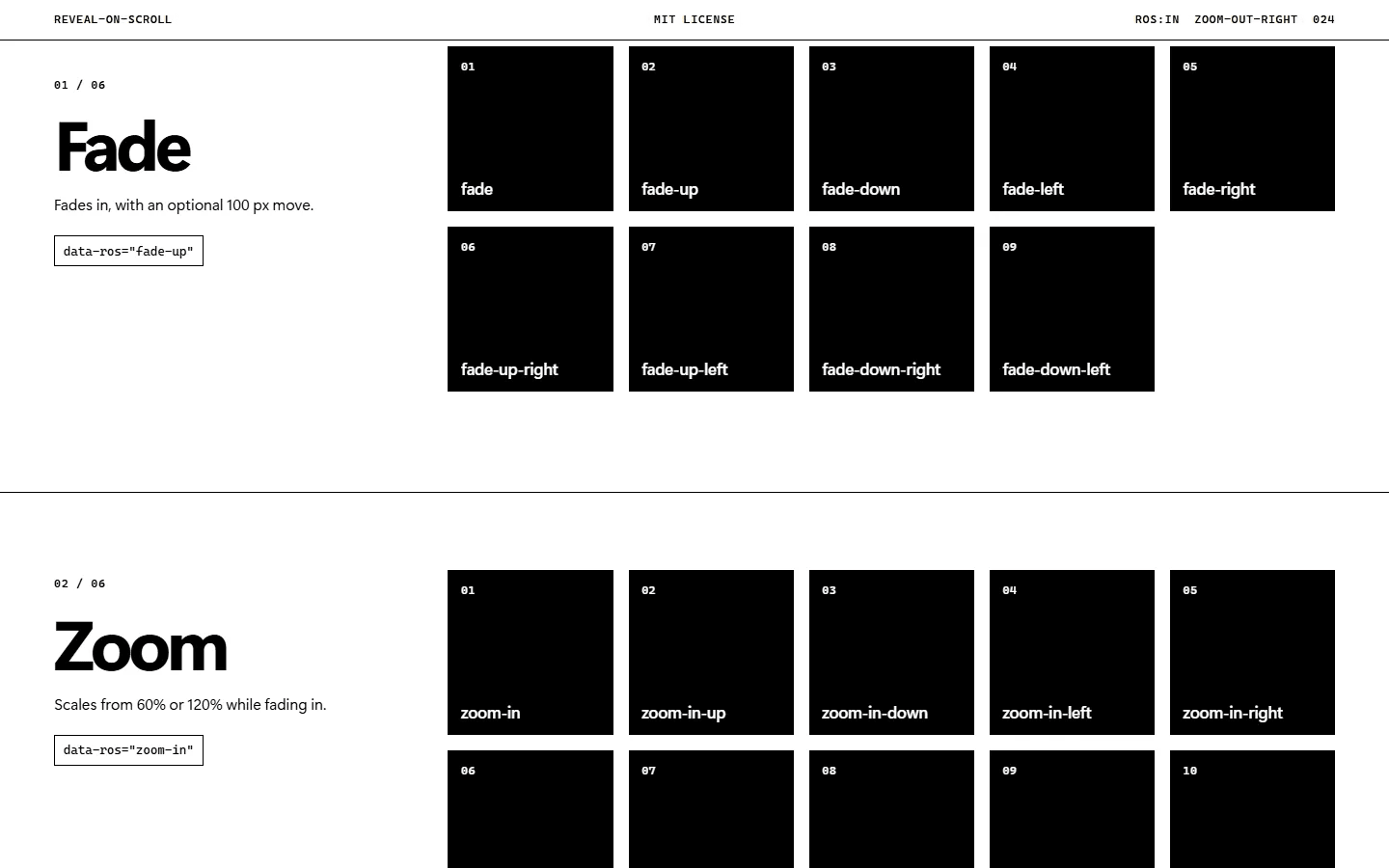
Rebuilt AOS’s full set of 27 animations (fade, zoom, flip and slide), its 20 easings and its options, covering both AOS 2.3.4 and the 3.0 beta (mirror, class names, events), under data-ros names.
- Op 02
Kept triggers accurate as the page changes: positions are re-read once per animation frame while scrolling, and a ResizeObserver and a MutationObserver pick up loaded images, fonts and added or changed elements, so there is no refresh() to call.
- Op 03
Made it accessible by default: with “reduce motion” on, every animation becomes a simple fade; start states only apply while scripting is on, so the page stays readable with JavaScript off; and if the script never starts, hidden elements appear after 3 seconds.
- Op 04
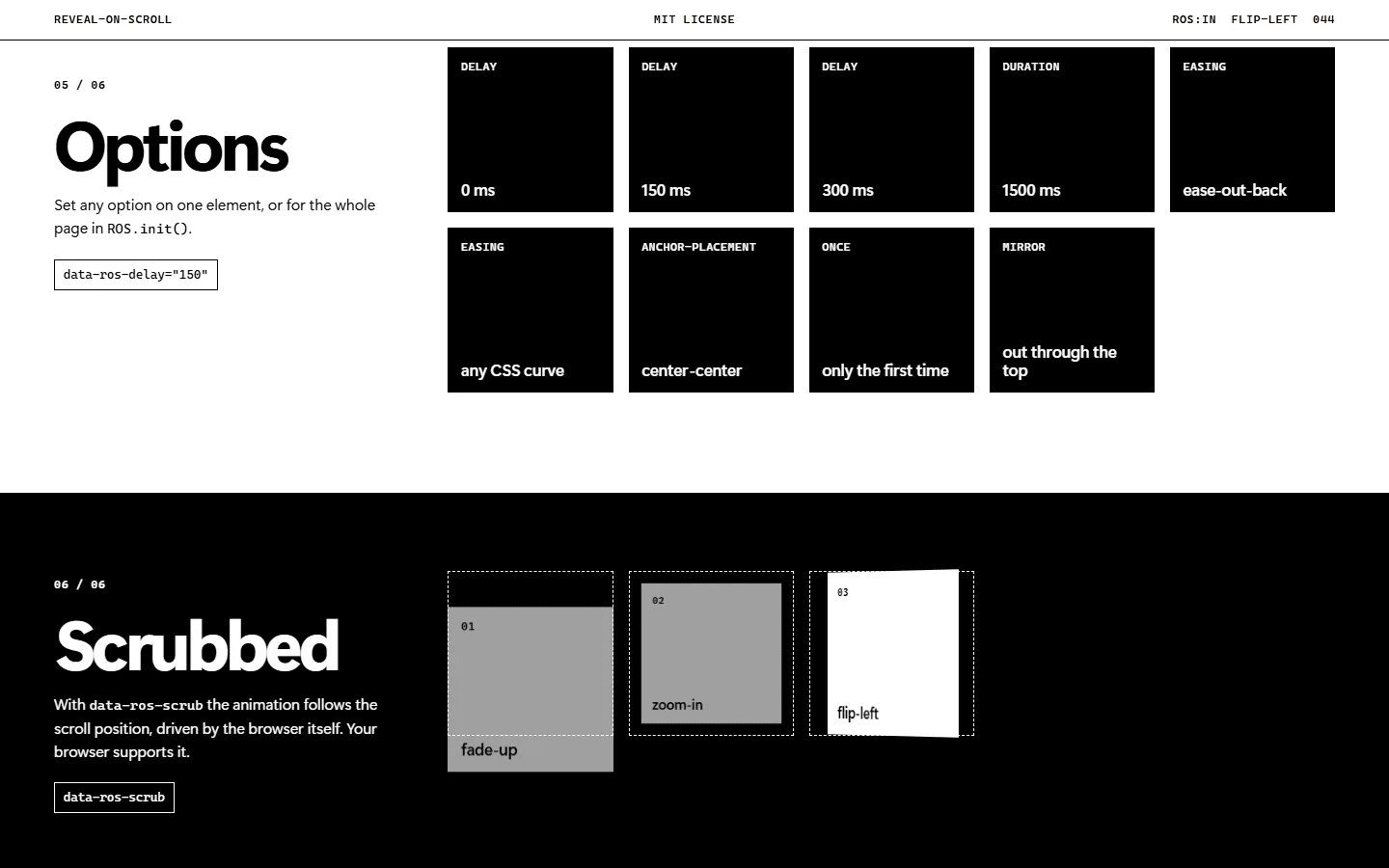
Added an optional scroll-scrubbed mode (data-ros-scrub) on the browser’s native scroll-driven animations, so no JavaScript runs while you scroll; browsers without them fall back to the normal animation.
- Op 05
Fixed AOS’s rough edges: any duration, delay or CSS easing function instead of 50 ms steps, the real cubic and quart curves, animations that end at transform: none so fixed-position children keep working, and events dispatched on the element itself.
- Op 06
Shipped ESM and UMD builds with TypeScript types and no dependencies: safe to import during server-side rendering, or loaded from a CDN with a plain script tag.
- Op 07
Covered it with 37 unit tests (Vitest with happy-dom) and 11 browser tests (Playwright); CI runs the type check, the unit tests and the browser tests in Chromium, Firefox and WebKit on every push and pull request.
- Op 08
Automated the releases: publishing a GitHub release publishes to npm through trusted publishing (OIDC, no stored token) once the type check, tests and build pass, and the demo page deploys to GitHub Pages on every push.
- Published on npm as reveal-on-scroll (MIT licence), with a live demo on GitHub Pages and a changelog for every release.
- All of AOS’s animations and options in 3.6 kB gzipped, about half of AOS’s 6.7 kB.
- Tested in Chromium, Firefox and WebKit on every push, and released from GitHub without a stored npm token.
- 3.6 kBgzipped, JavaScript and CSSAOS 2.3.4 is 6.7 kB
- 27animationsfade, zoom, flip and slide: the full AOS set
- 48automated tests37 unit tests and 11 browser tests, in three browser engines
- 0dependenciesESM and UMD builds with TypeScript types
Under the hood
- Your page (data-ros attributes)→Stylesheet (hides only if JS runs)
- Your page (data-ros attributes)→ROS.init() (options, attributes)
- Stylesheet (hides only if JS runs)→Scrub mode (native scroll timeline)
- ROS.init() (options, attributes)→Observers (resizes, new elements)
- ROS.init() (options, attributes)→Once a frame (positions re-read)
- Observers (resizes, new elements)→Once a frame (positions re-read)
- Once a frame (positions re-read)→ros-animate (class + ros:in events)
From the live site